.png)
How to delete a user on Vygo?
Only Organisational Administrators can close or delete user accounts from the platform. This function is not available to Program Administrators.
Method 1: Delete a Single User
- Access the Admin Menu: Go to the Users section from the admin dropdown.
-
Search for the User: Use filters or the search bar to locate the user.
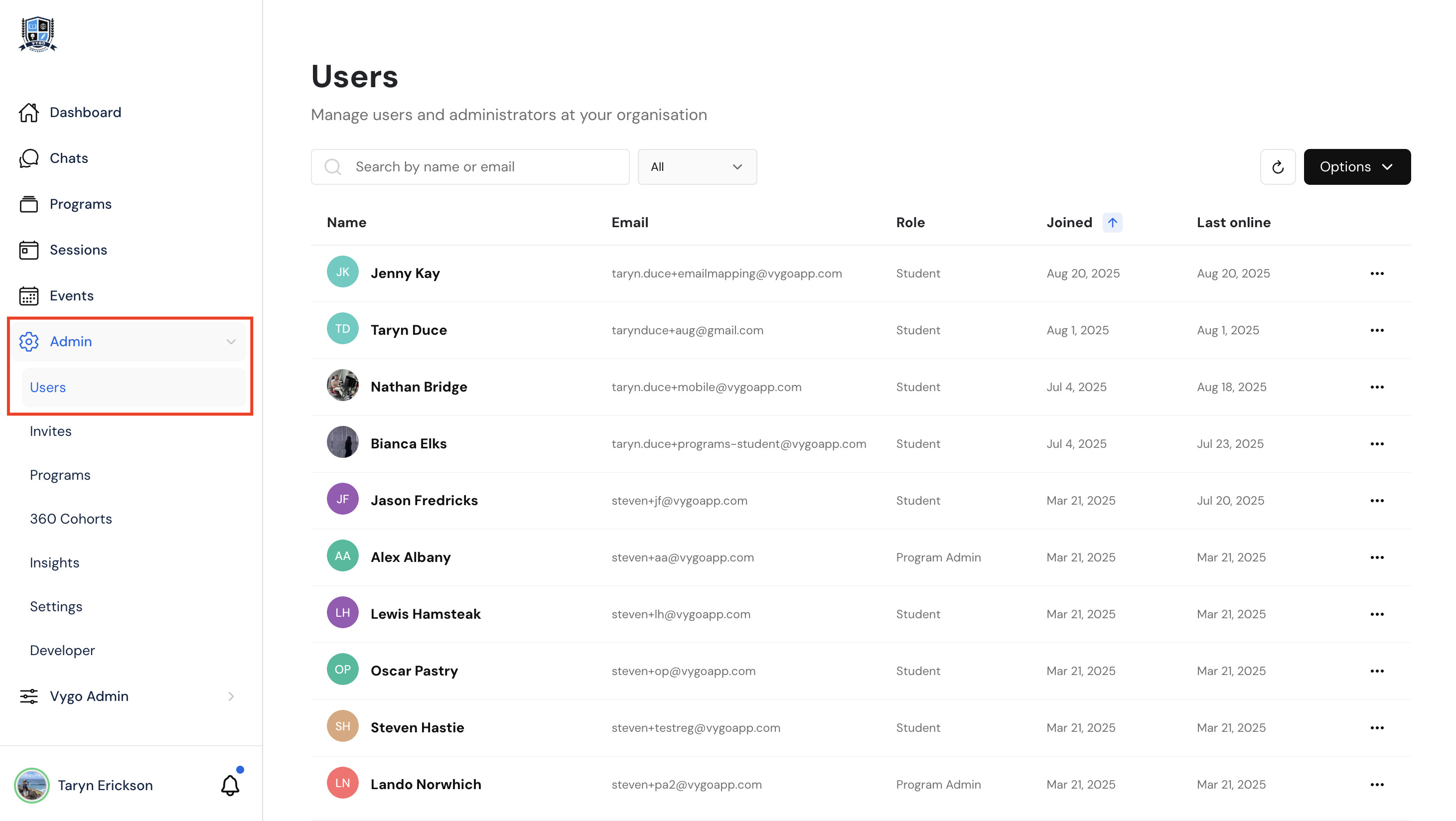
- Click the Three Dots Next to the User: This will open the available actions for that individual.
- Select “Close Account”: This removes the user from the platform.
Method 2: Bulk Delete Users
-
In the Users Section, click on Options > Bulk Close User Accounts.
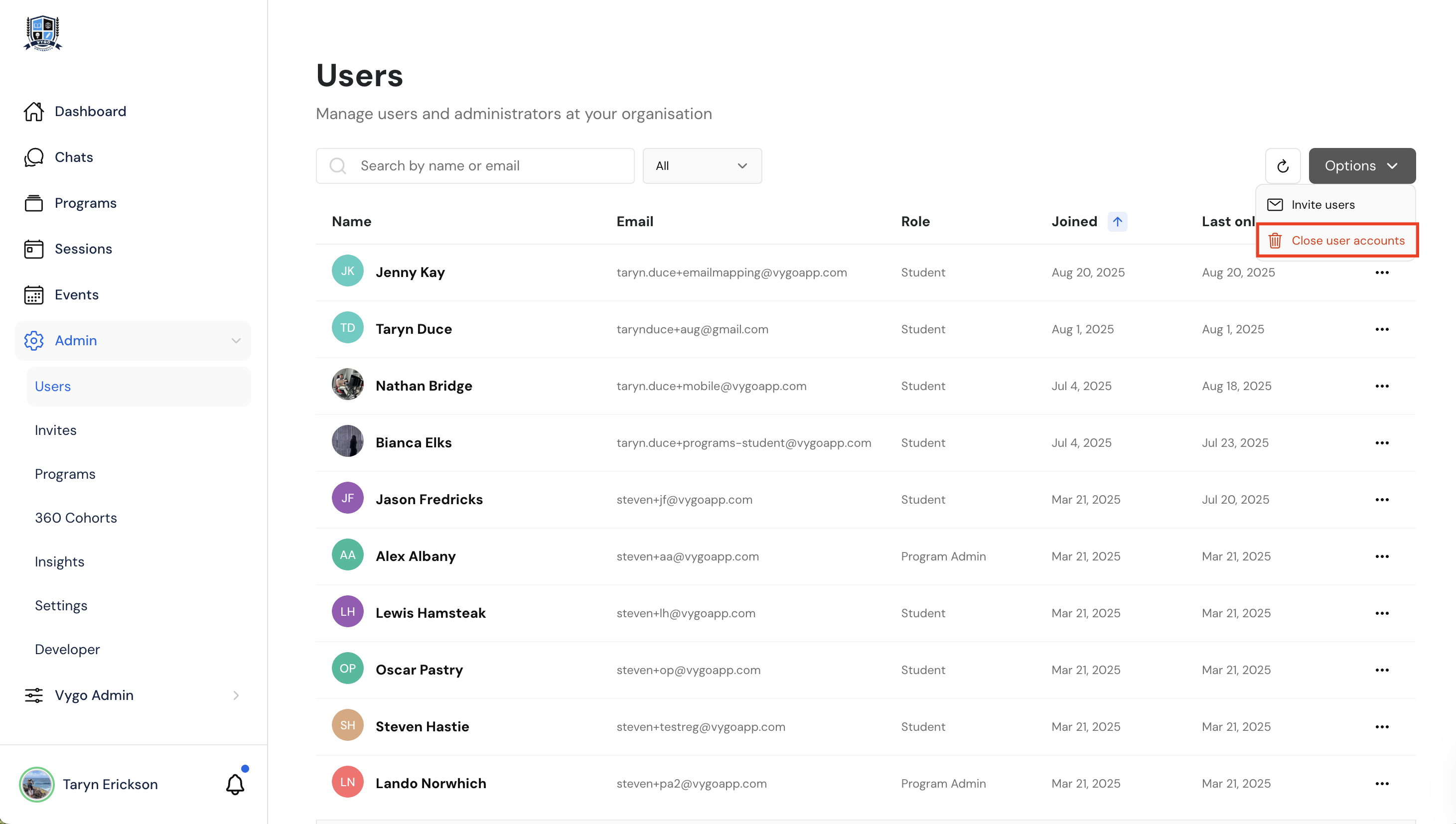
- Enter Email Addresses or User IDs: Input multiple users as a comma-separated list.
- Notification Option: Choose whether to send a notification email to inform users their account has been deleted.
- Confirm and Submit: Finalise the process to delete selected accounts.
Tip: Regularly review your user list to ensure access is only granted to active participants.